


This guide explores the best AI tools for product photography, explaining how they automate editing, generate realistic backgrounds, reduce costs, and improve image quality. It reviews top platforms, workflow tips, future trends, and strategies for creating professional e-commerce visuals.
Visuals are the absolute lifeblood of modern e-commerce. When customers cannot physically touch, feel, or hold an item, they rely entirely on digital images to make their purchasing decisions. High-quality product photos build immediate trust, highlight key features accurately, and ultimately drive massive sales.
Historically, capturing professional-grade images required a significant, often prohibitive, investment. Brands needed expensive camera equipment, complex professional lighting setups, rented studio spaces, and highly skilled photographers. For small businesses and independent sellers, this financial barrier often meant settling for mediocre visuals that failed to convert casual browsers into paying buyers.
Artificial intelligence is completely changing how businesses approach visual content creation today. AI tools are revolutionizing product photography for companies of all sizes, offering a streamlined way to generate stunning, studio-quality images in a matter of minutes. You no longer need a massive marketing budget to compete visually with major global brands.
This comprehensive guide will walk you through the best ai tools for product photography available right now. We explore their core features, discuss exactly how they impact your daily workflow, and provide highly actionable tips for seamlessly integrating them into your broader e-commerce strategy.
Understanding the Impact of AI in Product Photography
Artificial intelligence does much more than simply apply basic filters to your smartphone photos. It fundamentally reshapes the entire content creation pipeline from start to finish. When you use the best ai tools for product photography, you change the way your business operates.
Unprecedented Efficiency Gains
Shooting and editing product photos used to take days, or even weeks, of dedicated labor. Photographers had to physically set up intricate scenes, constantly adjust lighting, capture hundreds of frames to get one perfect shot, and manually edit the best options. AI software automates these highly tedious tasks. You can now generate multiple lifestyle backgrounds, adjust lighting conditions, and format images for different social platforms with just a few simple clicks. This incredible speed allows businesses to list new products faster than ever before, keeping inventory fresh and relevant.
Significant Cost Reduction for Brands
Renting a professional studio space and hiring a full creative team remains incredibly expensive. While human photographers remain essential for highly complex, stylized, or highly creative bespoke campaigns, AI significantly reduces the need for expensive equipment and routine catalog photo shoots. You can easily shoot a basic product photo on your standard smartphone and let the software handle the rest of the heavy lifting. Finding the best ai tools for product photography can save your business thousands of dollars in annual production costs.
Remarkable Quality Enhancement
Lighting a product perfectly requires deep technical expertise and an understanding of physical light properties. AI tools analyze your base image and automatically generate highly realistic lighting, accurate drop shadows, and visually complementary backgrounds. This advanced technology ensures your final images look professional and fully polished, even if the original reference photo was taken in a poorly lit basement room. High-quality product editing AI makes your merchandise look premium.
The Democratization and Accessibility of E-commerce Photography
Perhaps the most significant impact of AI is its incredible democratizing effect on the market. Small business owners, solo entrepreneurs, and part-time hobbyists now have immediate access to the exact same caliber of visual assets as large multinational corporations. This effectively levels the playing field, allowing smaller, independent brands to capture consumer attention strictly based on the merit of their actual products rather than the sheer size of their marketing budgets.
Essential Features to Look for in the Best AI Tools for Product Photography
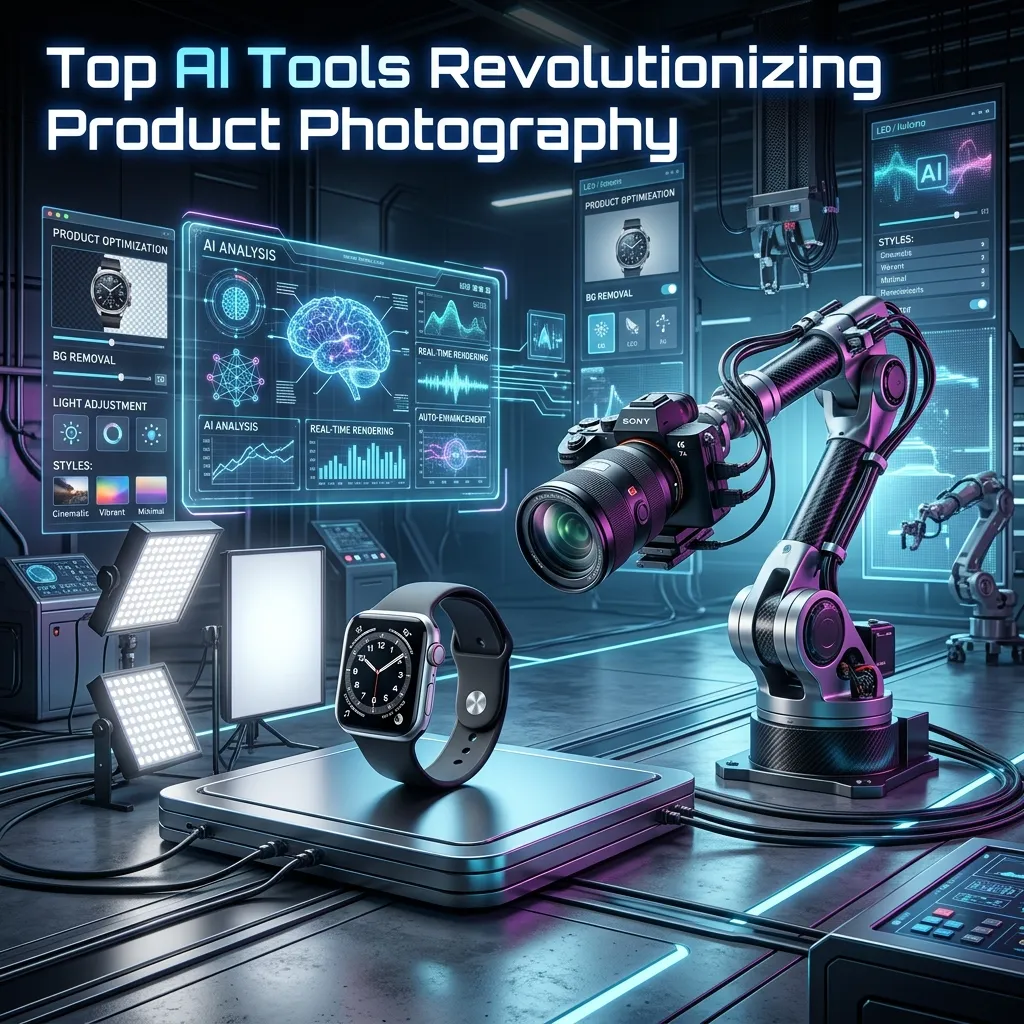
With countless software options entering the digital market daily, you need to know which features actually add measurable value to your daily workflow.
Advanced Background Removal and Replacement
This stands as the foundational feature of any solid AI photography tool. The software must accurately isolate your product from its original background, handling notoriously difficult edges like hair, fur, or transparent glass with ease. From there, you should be able to drop the isolated product onto a perfectly clean white canvas or generate a completely new, highly realistic environment.
Intelligent Image Upscaling and Enhancement
Sometimes your original source image turns out slightly blurry or low-resolution. Dedicated upscaling tools use advanced machine learning algorithms to add missing pixels intelligently, effectively sharpening the image and increasing its overall resolution without losing critical physical details. This ensures your final assets always look crisp on high-resolution displays.
AI-Powered Lighting and Realistic Shadows
A mismatched or highly unnatural shadow instantly makes an image look fake and untrustworthy to buyers. Top-tier AI product photography software generates highly dynamic shadows based directly on the artificial light source present in the newly created background. They also automatically adjust the lighting on the product itself to match the surrounding environment seamlessly.
Dynamic Product Placement and Scene Generation
Instead of constantly relying on generic stock photos, AI scene generation allows you to simply type a text prompt to create a totally custom background. You can dynamically place a bottle of sunscreen on a sun-drenched tropical beach or set a coffee mug on a rustic wooden table. The best ai tools for product photography will seamlessly blend the individual elements together, making it look like a single photograph.
Automated Color Correction and Grading
Consistent brand colors remain absolutely vital for strong visual identity. AI color correction ensures your products look vibrant, engaging, and physically accurate. These tools adjust the overall white balance, correct contrast levels, and manage saturation automatically across a massive batch of images, keeping your entire digital catalog uniform.
Time-Saving Batch Processing Capabilities
If your store maintains an inventory of hundreds of items, editing them individually proves highly inefficient. Batch processing capabilities let you quickly apply the exact same background removal parameters, lighting adjustments, and resizing rules to entire digital folders of images simultaneously.
5 Top AI Tools for Product Photography: A Detailed Review

Choosing the absolute right platform depends entirely on your specific business needs, operating budget, and overall technical comfort level. Here are five of the best ai tools for product photography currently dominating the market.
1. Photoroom
Photoroom originally started as a mobile application and very quickly became a massive favorite for independent sellers across the globe. It focuses heavily on pure speed and ease of use for the end consumer.
Key Features and Functionalities
Photoroom offers incredibly accurate background removal and boasts a massive, easily searchable library of instant AI backgrounds. It also includes fast shadow generation tools and highly robust batch editing capabilities designed for rapid deployment.
Best Use Cases
This specific tool works perfectly for clothing retailers, independent Poshmark sellers, and small boutique e-commerce stores that desperately need quick, clean images directly from a mobile smartphone device.
Pros and Cons
The user interface proves highly intuitive, and the mobile application operates incredibly well. However, the AI scene generation feature offers slightly less granular creative control when directly compared to heavier desktop-based software competitors.
Pricing Structure
Photoroom currently offers a free version that includes visible watermarks. The Pro subscription version starts at around $14.99 per month, which unlocks valuable batch editing tools and high-resolution export options.
2. Flair.ai
Flair.ai positions itself firmly as a premium AI design tool specifically built for branded content generation and consumer packaged goods (CPG) companies.
Key Features and Functionalities
Flair absolutely excels at intuitive drag-and-drop scene building. You simply upload your product, physically place 3D props around it on a digital canvas, and type a prompt describing the desired environment. The AI then expertly renders a cohesive, highly realistic scene around your specific arrangement.
Best Use Cases
Industry experts highly recommend Flair for skincare companies, cosmetics brands, and food and beverage businesses actively looking to create heavily stylized lifestyle imagery for social media.
Pros and Cons
The unique ability to physically place individual props before rendering gives users excellent control over the final visual composition. On the downside, the platform struggles slightly with highly complex apparel items compared to solid, structured objects like glass bottles or cardboard boxes.
Pricing Structure
Flair offers a generous free tier with a limited number of renders. Professional paid plans typically start around $10 per month, granting increased usage limits and significantly faster server processing times.
3. Booth.ai
Booth.ai firmly focuses on generating incredibly high-quality lifestyle photography using very minimal user input, specifically targeting professionals who need high-end campaign assets fast.
Key Features and Functionalities
Users can simply upload reference images of their physical product and provide basic text prompts to generate stunning lifestyle shots featuring AI-generated human models. It requires virtually zero technical knowledge to produce visually stunning results.
Best Use Cases
Apparel companies and furniture brands benefit immensely from using Booth.ai, as the software easily places clothing on lifelike virtual models or neatly positions a large sofa in a beautifully rendered, realistic living room setting.
Pros and Cons
The final output quality is truly exceptional, routinely producing images that look exactly like they belong in a high-end fashion magazine. However, generating hyper-realistic human models can occasionally require a few extra attempts to get complex features like hands and facial expressions perfectly right.
Pricing Structure
Booth.ai gears its pricing directly toward commercial enterprise users, with structured pricing tiers starting around $99 per month for highly comprehensive, unlimited access to its suite.
4. Pebblely
Pebblely explicitly exists to quickly turn boring, flat product shots into beautiful, highly engaging, Instagram-ready marketing assets in a matter of seconds.
Key Features and Functionalities
The software platform offers excellent automated background removal and rapidly generates multiple thematic backgrounds based entirely on a single user click. It also automatically adds highly accurate physical reflections and complementary drop shadows.
Best Use Cases
Pebblely works brilliantly for small, detailed consumer goods like fine jewelry, handmade candles, customized shoes, and children’s toys.
Pros and Cons
Pebblely operates incredibly fast and requires absolutely zero prompting skills if you strictly use their pre-made visual themes. The main drawback lies in the fact that highly specific, meticulously customized environments might require some trial and error with the text prompting system to get right.
Pricing Structure
Pebblely kindly offers 40 free image generations every single month. Paid subscription plans begin at an affordable $19 per month for generating up to 1,000 unique images.
5. Mokker.ai
Mokker.ai represents a rapidly growing contender in the visual space, offering specialized tools for high-volume product marketers who need consistency across massive digital catalogs.
Key Features and Functionalities
Mokker.ai focuses on high-fidelity template rendering. You upload a single product photo, and the software instantly places it into dozens of professionally pre-lit digital templates ranging from modern bathrooms to sleek kitchen counters.
Best Use Cases
This tool provides immense value for interior decor brands, homeware retailers, and hardware sellers who need their items placed in specific, highly realistic home environments rapidly.
Pros and Cons
The templated approach ensures extremely high consistency across different product lines, creating a unified catalog look. However, the system relies heavily on pre-made templates, which slightly limits the wild, imaginative flexibility found in pure text-to-image prompt generators.
Pricing Structure
Mokker.ai offers a free trial period to test the waters. Professional monthly plans start at $19 per month, offering high-resolution downloads and access to their extensive premium template library.
Comparison Table of the Best AI Tools for Product Photography
|
AI Tool |
Best For |
Standout Feature |
Starting Price (Paid) |
|---|---|---|---|
|
Photoroom |
Mobile users, quick edits |
Intuitive mobile app, fast batch editing |
$14.99 / month |
|
Flair.ai |
CPG brands, cosmetics |
Drag-and-drop prop placement |
$10.00 / month |
|
Booth.ai |
Apparel, furniture |
AI-generated human models |
$99.00 / month |
|
Pebblely |
Small goods, social media |
One-click theme generation |
$19.00 / month |
|
Mokker.ai |
Homeware, decor |
High-fidelity room templates |
$19.00 / month |
How to Integrate AI Tools into Your Product Photography Workflow
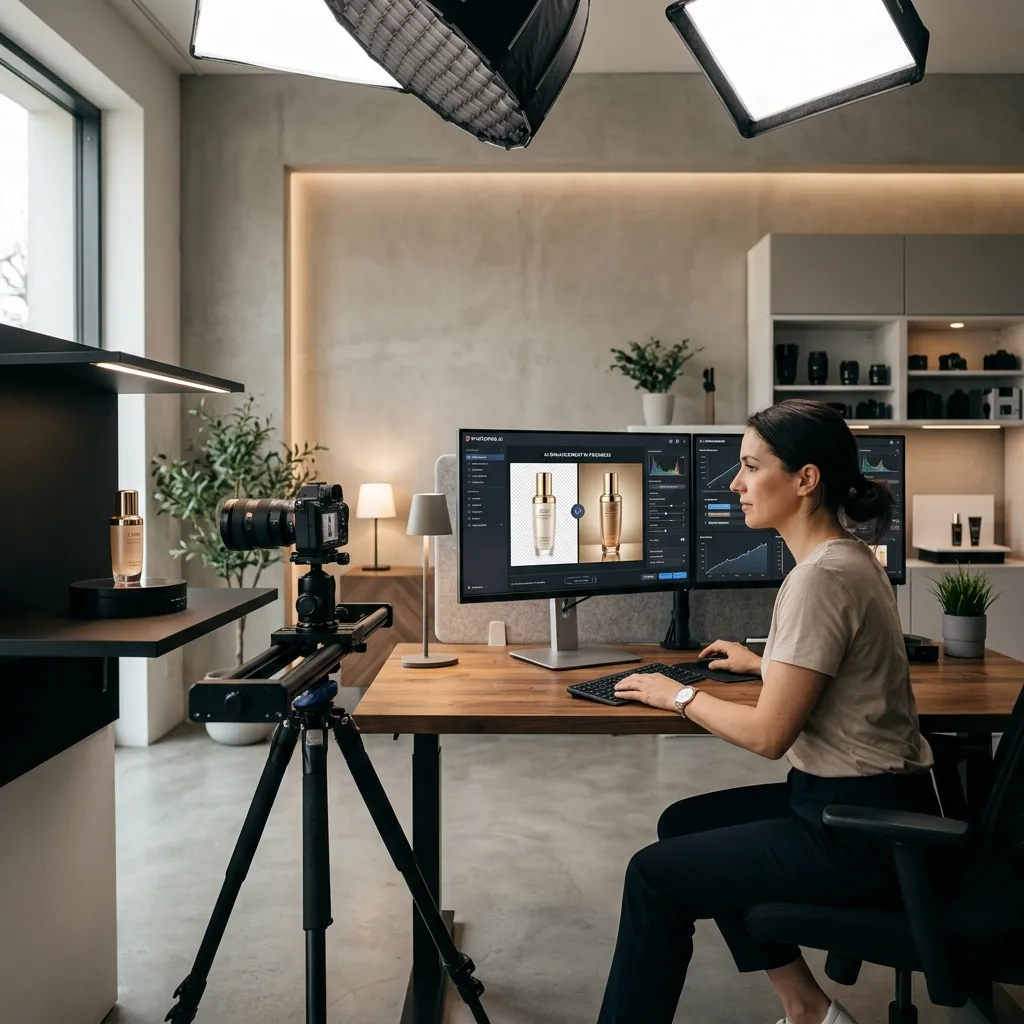
Adopting brand-new software can easily feel highly overwhelming for busy business owners. Following a highly structured approach helps you confidently maximize the benefits of the best ai tools for product photography without disrupting your current daily operations.
Step-by-Step Guide to Using Your Chosen Tool
- Capture a clear base image: Even the absolute best AI needs a solid, high-quality starting point. Shoot your product against a solid, highly contrasting background. Ensure the product remains perfectly well-lit and sharply in focus.
- Upload and remove the background: Import the base image directly into your chosen AI tool and utilize the automatic background removal feature. Carefully check the visual edges to ensure no critical parts of the product were accidentally erased by the software.
- Select or prompt your environment: Choose a beautiful pre-made template or carefully write a highly descriptive prompt outlining your vision.
- Adjust lighting and shadows: Use the software’s built-in sliders to guarantee the shadow direction perfectly matches the primary light source present in your brand-new background.
- Export and refine: Download the completed high-resolution image. You can always run it through standard editing software for final precise color tweaks.
For even more advanced workflows and detailed tool breakdowns, you can check this resource:
AI product photography tools
Tips for Optimizing Images Across Different Platforms
Every single social and e-commerce platform maintains different strict visual requirements. Use your specific AI tool’s internal resizing features to effortlessly generate square formats for Instagram feeds, horizontal formats for website banners, and vertical formats for Pinterest pins. Always compress your heavy image files carefully before uploading them directly to your e-commerce site to ensure lightning-fast page loading speeds.
Best Practices for Achieving Hyper-Realistic Visuals
Keep your text prompts highly simple, direct, and firmly focused on the main subject. If a generated scene looks vastly too cluttered, the AI engine might deeply struggle to render it realistically. Pay very close attention to physical scale. If your product is merely a small tube of lip balm, carefully ensure the AI does not mistakenly place it directly next to a massive, wildly out-of-proportion coffee cup.
Case Studies: Real-World Success Stories
Businesses operating across various global industries are already seeing massive financial returns from successfully integrating the best ai tools for product photography into their standard visual workflows.
Small Business Increasing Sales with AI-Generated Images
A boutique handmade candle company previously relied solely on simple flat lay photos taken casually on a smartphone. By formally switching to Pebblely, the owner quickly generated gorgeous seasonal lifestyle images—seamlessly placing candles in cozy, snow-filled cabins for winter sales and bright, highly floral settings for spring launches. This significantly elevated visual branding led directly to a 40% measurable increase in social media engagement and a noticeable bump in direct-to-consumer sales, all achieved without hiring a professional photographer.
Large Enterprise Streamlining Its Product Photography Process
A major international footwear retailer deeply struggled with the massive logistical nightmare of shipping expensive physical prototypes to a single central studio for their massive catalog shoots. By aggressively adopting tools like Booth.ai, their regional global teams began photographing simple, basic prototype shots locally. The central corporate marketing team then used AI to generate highly consistent, beautiful lifestyle environments for the entire global catalog simultaneously. This brilliant move reduced their production timeline by three full weeks and cut photography logistics costs by over half.
The Future of AI in Product Photography
The underlying technology driving AI imagery is rapidly advancing at a truly staggering pace. What seems highly cutting-edge today will inevitably become the basic industry standard very soon. Finding the best ai tools for product photography today prepares you for the massive shifts happening tomorrow.
Emerging Trends and Technological Advancements
We already see a massive industry shift heavily toward detailed 3D product rendering. Soon, you will easily be able to upload a short smartphone video of a physical product, and the AI will automatically create a fully interactive, rotatable 3D model. Virtual try-on technology is also rapidly improving across the board. Customers will seamlessly upload a photo of themselves and firmly let the AI generate an incredibly accurate image showing exactly how a specific piece of clothing will fit their exact body type.
The Evolving Role of Human Photographers
AI software is certainly not going to replace human professional photographers entirely anytime soon. Instead, the traditional role of the photographer will organically evolve heavily into that of a high-level art director or highly creative technologist. Photographers will strictly focus their energy on highly complex, high-concept visual shoots that heavily require deep human empathy and raw creativity, while confidently relying on AI platforms to expertly handle all the highly repetitive, boring catalog work.
Ethical Considerations and Responsible AI Usage
As AI-generated images slowly become totally indistinguishable from physical reality, basic visual transparency becomes absolutely crucial. Brands deeply need to ensure their AI-generated images accurately and truthfully represent the actual physical product they sell. Exaggerating a product’s size, altering its true color, or faking its physical capabilities using AI can easily lead to incredibly high return rates and severely damage long-term consumer trust. Always firmly strive for complete visual honesty.
Elevate Your E-commerce Visuals Today
Artificial intelligence offers a truly unprecedented, massive opportunity to drastically elevate your brand’s digital visual identity. By automatically handling tedious editing tasks and rapidly generating stunning lifestyle scenes, AI tools save valuable time, drastically reduce overhead costs, and significantly increase the overall visual quality of your digital product photography.
You truly no longer need a massive corporate budget to successfully create beautiful images that captivate your target audience and steadily drive massive conversions. The basic barrier to entry has never been lower, and the massive potential for raw creative expression has never been higher in the digital space.
Take the necessary time today to carefully explore platforms like Photoroom, Flair.ai, Booth.ai, Mokker, and Pebblely. Start experimenting directly with the best ai tools for product photography right now, and see completely firsthand exactly how they can brilliantly transform your entire digital storefront.
Frequently Asked Questions (FAQ)
What makes the best AI tools for product photography better than traditional editing software?
The best AI tools drastically reduce manual editing time by fully automating complex processes like background removal and realistic shadow generation. They allow users to create entirely new, stunning lifestyle scenes from basic text prompts effortlessly. This eliminates the steep learning curve associated with highly complex traditional software programs like Photoshop.
Do I need prior photography experience to use these AI tools successfully?
You require absolutely zero formal photography experience to operate these AI platforms effectively. The software handles all the complex technical heavy lifting regarding lighting, physical scale, and precise edge detection automatically. You only need a basic, clear smartphone image of your product to get highly professional results instantly.
Are images generated by the best AI tools for product photography high quality enough for print?
Yes, most top-tier premium AI platforms offer dedicated upscaling tools to boost the final image resolution significantly. Paid professional plans usually allow you to export extremely crisp, high-definition images that work perfectly for digital ads and physical print catalogs. Always ensure your initial source photo is in sharp focus.
Can AI completely replace the need for physical product photoshoots?
While AI handles standard e-commerce catalog images beautifully, it cannot entirely replace highly complex editorial photography just yet. Brands still need human creatives for bespoke advertising campaigns that require deep emotional storytelling or highly specific physical interactions. However, AI handles the vast majority of standard daily visual needs.
How do I ensure AI-generated backgrounds look realistic and not artificial?
To achieve maximum realism, keep your text prompts highly specific, simple, and physically logical. Pay very close attention to matching the AI-generated lighting direction precisely with the natural shadows present on your original product image. Avoid demanding overly cluttered backgrounds that might confuse the AI rendering engine.
Which is the best AI tool for product photography if I primarily sell clothing?
Booth.ai stands out as the absolute best choice for the apparel industry because of its unique capability to map clothing onto lifelike virtual human models. Photoroom also proves highly effective for independent sellers who simply need clean, fast flat-lay clothing edits directly from a mobile device.
Are these AI photography platforms expensive for small business owners?
These tools actually remain incredibly affordable, especially when compared directly to the massive cost of hiring a full studio team. Many platforms like Photoroom and Pebblely offer generous free tiers or low-cost subscriptions starting under twenty dollars. This makes studio-quality images highly accessible for solo entrepreneurs on strict budgets.
Do AI image generators struggle with specific materials like glass or transparent plastics?
Early versions of AI software deeply struggled with transparent surfaces, but modern advanced tools now handle glass and clear plastics exceptionally well. The best software accurately maps background elements directly through the transparent object to maintain hyper-realistic visual consistency. You might just need to tweak the contrast slightly post-generation.
Can I batch edit hundreds of products at once using these AI tools?
Yes, robust platforms like Photoroom heavily feature dedicated batch processing capabilities specifically designed for large e-commerce catalogs. You can easily apply the exact same background removal and drop shadow rules to hundreds of images simultaneously. This feature single-handedly saves digital marketers countless hours of tedious manual labor.
Is it legally safe to use AI-generated images for commercial e-commerce purposes?
Using AI tools specifically to edit and enhance your own original product photos is completely safe and fully legal for commercial use. The newly generated backgrounds become part of your specific final composition, which you hold the rights to utilize. However, always review the specific commercial licensing terms of your chosen software provider.
