


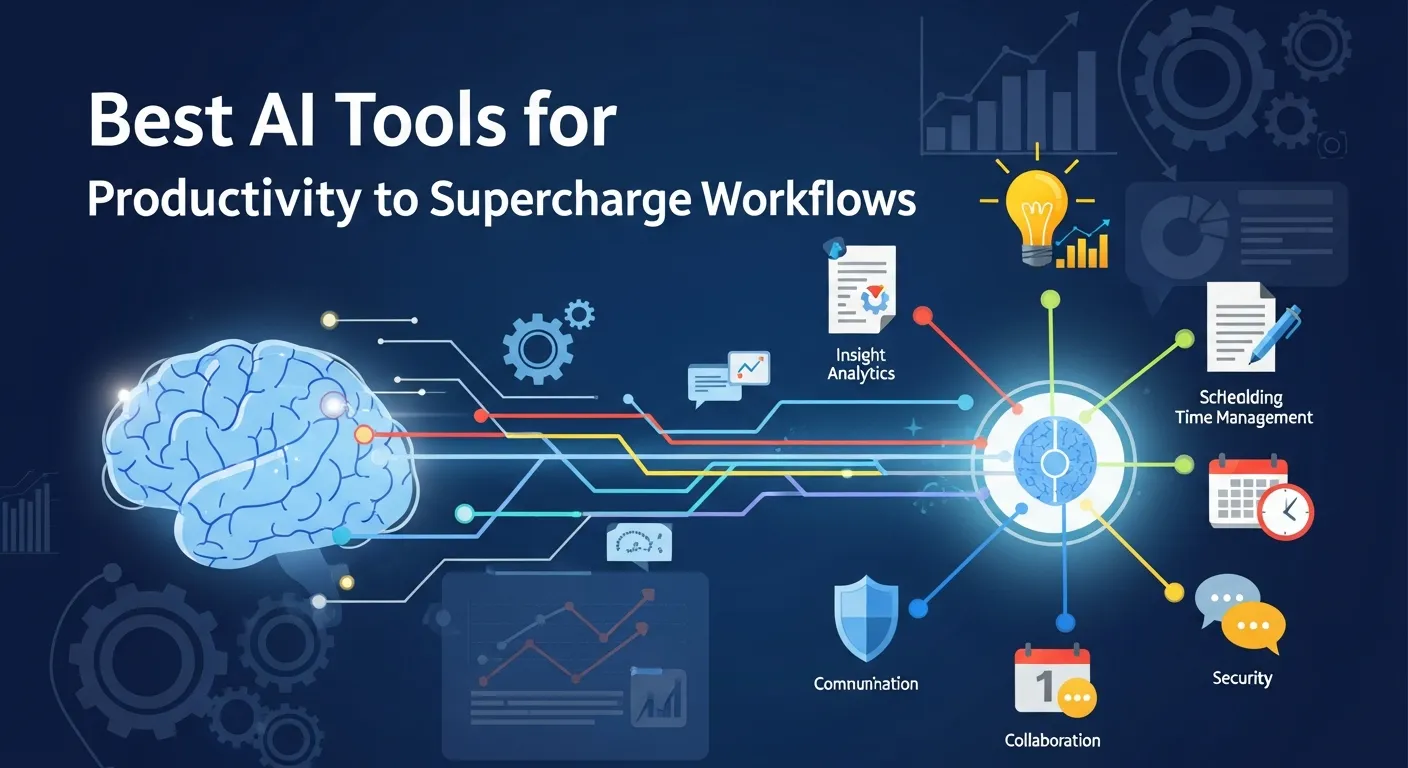
AI productivity tools enhance efficiency by automating tasks, improving decision-making, and streamlining workflows. From content creation to project management, these tools help individuals and teams save time, reduce errors, and stay competitive in a fast-paced digital work environment.
The global work environment is growing more complex by the day, with remote work, hybrid schedules, and digital collaboration becoming the norm. Amidst these changes, the best AI tools for productivity elevate not only team efficiency but also individual achievement across industries. With tighter deadlines, larger datasets, and an abundance of distractions, integrating AI productivity tools is no longer optional—it’s essential for anyone who wants to remain competitive and agile.
How to Choose the Best AI Software for Work
Before adopting any tool, it’s crucial to evaluate what you truly need. Not every platform is created equal, and the best AI tools for productivity should align with your workflow, industry, and business size. Consider these factors:
- Ease of Integration: Does the AI tool connect seamlessly with your existing software stack?
- User Experience: Are the interfaces user-friendly, even for non-tech-savvy team members?
- Scalability: Will the solution scale as your business grows, supporting more complex workflows or greater data volumes?
- Cost Efficiency: Does it provide enough value to justify its price? Analyze the return on investment using trial versions.
- Security: Does it meet data privacy standards for your region and industry?
To help you further, check out comparison resources and expert reviews on AI productivity tools for in-depth insights before you commit.
AI Tools for Task Automation: Transforming Processes

AI tools for task automation are redefining the boundaries of what can be accomplished with minimal manual effort. By observing user habits and automating frequently repeated actions, these tools offer personalized recommendations and automate everything from data input to client communication.
Advanced Functions and Industry Examples
- HR & Recruitment: Automate resume sorting, interview scheduling, and candidate communication.
- Sales: Move leads between CRM stages based on communication sentiment or transaction triggers.
- IT Operations: Detect and remediate common technical issues before they escalate.
AI in Workflow Customization
AI productivity tools like Zapier, Integromat, and Microsoft Power Automate feature AI-driven logic modules. These can learn from user corrections over time, refining their own decision-making and improving business outcomes.
Writing and Content Creation with AI Productivity Tools
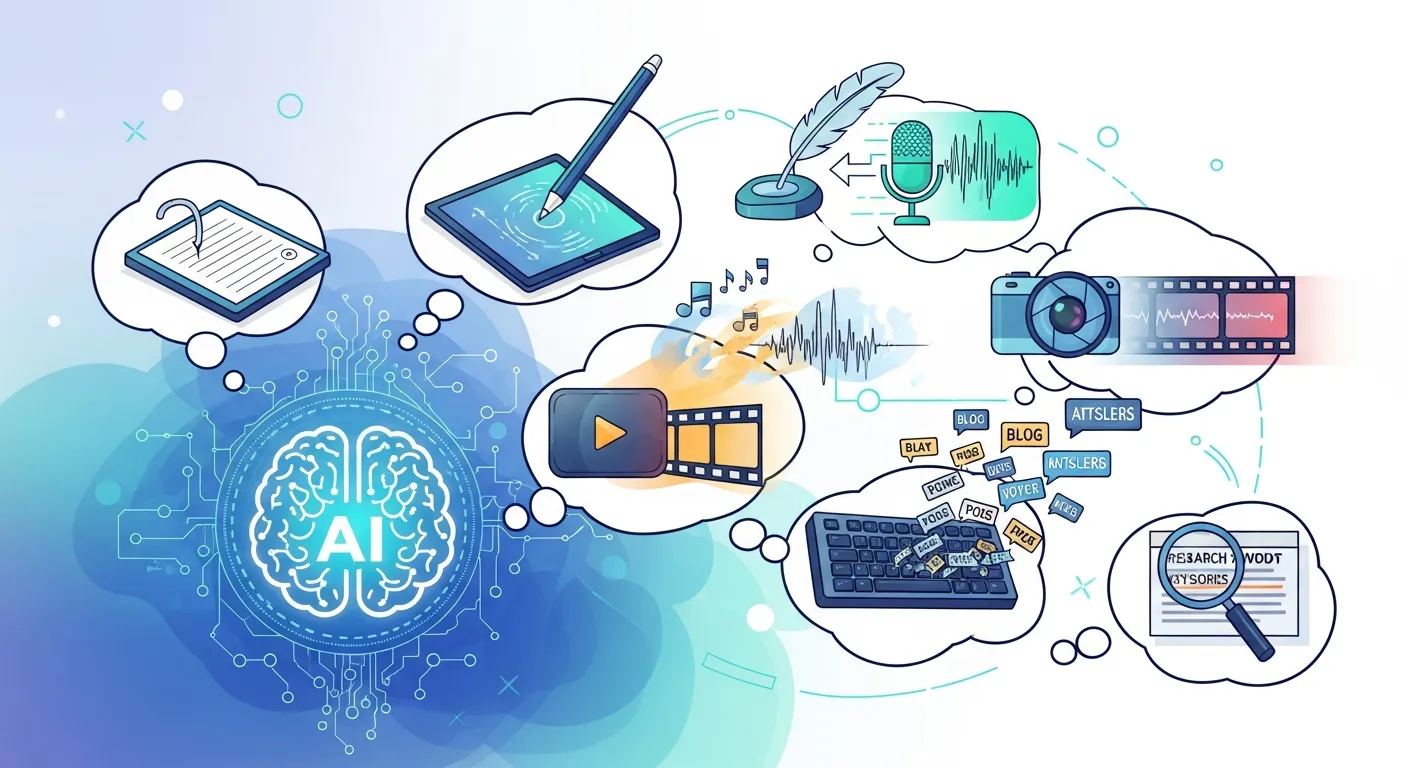
The best AI tools for productivity in content writing are enabling teams to go from concept to publication in record time.
Generating Ideas and Overcoming Writer’s Block
AI writing platforms do more than proofread—some feature built-in brainstorming modes, helping writers develop new ideas based on audience trends or SEO gaps. For instance, Copy.ai and Jasper tap into online content databases and predict trending topics, meaning teams consistently stay ahead.
Streamlining Editing and Compliance
With strict content requirements (legal, branding, or SEO), AI content creation tools allow organizations to build custom rules into the editor. Use these features to ensure all internal and external communications are on-brand and compliant, drastically reducing post-publishing corrections.
Data Analysis and Insights Tools: The Backbone of Modern Decision-Making
The evolution of AI productivity tools for analytics allows companies to draw actionable insights from massive datasets. Unlike traditional tools that only summarize past results, the best AI software for work in analytics forecasts trends and detects anomalies with precision.
Predictive Analytics
Platforms like IBM Watson Analytics and Microsoft Power BI leverage machine learning to spot patterns in real-time, making it possible to react to business changes instantly. For example, product managers can anticipate supply chain bottlenecks or discover untapped market segments.
Visualizations That Work
Top AI apps for productivity in analytics also provide dynamic visualization tools, turning raw data into charts, heat maps, and interactive dashboards. This visual clarity enables teams across departments to collaborate on strategy without needing specialized data training.
Project Management: Bringing Order to Complexity

As teams go global and projects become increasingly multifaceted, the demand for the best AI tools for productivity in project management is higher than ever.
Smart Scheduling and Resource Allocation
Beyond simple scheduling, modern AI productivity tools forecast project roadblocks, recommend deadline changes, and auto-adjust workloads based on previous team performance. Systems like Monday.com and Asana integrate with calendar apps, financial systems, and issue trackers to provide a bird’s-eye view of every moving part.
Risk Management and Compliance
AI tools can identify project risks before they spiral out of control, from resource shortages to legal noncompliance. Project leads receive proactive alerts, and corrective tasks can be scheduled automatically—helping teams meet targets without fire drills at the eleventh hour.
Personal Productivity: Beyond Just Time Management
AI-driven personal productivity tools have become true digital assistants, learning your habits and guiding you to peak performance. The best AI software for work in this category adapts to your preferences, day-to-day tasks, and even your energy levels throughout the week.
Everyday Examples
- Emails: Smart inboxes auto-prioritize urgent messages and draft suggested responses.
- Calendars: AI blocks out recurring focus sessions, reschedules meetings if workload spikes, and reminds you to take strategic breaks.
- Note-Taking Apps: AI-enhanced apps like Notion and Evernote transcribe voice notes, summarize meetings, and categorize content automatically.
Wellness and Focus
Some of the top AI apps for productivity now include features that monitor your screen time or detect cognitive fatigue, prompting you to stretch or hydrate—boosting mental sharpness and long-term work satisfaction.
Top AI Apps for Productivity: Extended Comparison
Below is a comprehensive comparison of some standout AI productivity tools categorized by their primary focus and special features:
|
Tool Name |
Category |
Unique Feature |
Best For |
Pricing Tier |
|---|---|---|---|---|
|
Zapier |
Task Automation |
Multi-app workflow builder |
All sizes, integration-heavy teams |
Free / Paid |
|
Copy.ai |
Content Creation |
Brand Infobase, GTM automation |
Marketing, GTM, Sales |
Free trial / Paid |
|
Outwrite |
Writing Assistant |
Multilingual, plagiarism checker |
Comms, academia, content |
Free / Paid |
|
Monday.com |
Project Management |
AI risk analyzer & workflow engine |
PMOs, software, HR |
Paid |
|
Clockwise |
Time Management |
Focus time optimization |
Individuals, executive assistants |
Free / Paid |
|
Tableau |
Data Analytics |
Predictive data visualization |
Analysts, strategists |
Paid |
|
Notion AI |
Knowledge Management |
AI-powered summarization |
Knowledge workers, project leads |
Paid |
|
IFTTT |
App Integration |
Custom automation for IoT devices |
Tech-forward homes/offices |
Free / Paid |
|
Grammarly |
Writing Assistant |
Intent detection and suggestion |
Professional writers, students |
Free / Paid |
|
Google Analytics |
Data Insights |
AI-powered anomaly detection |
Webmasters, marketers |
Free |
Real-World Use Cases of the Best AI Tools for Productivity
Enterprise Transformation
A global consulting firm reduced project completion times by 30% by integrating a suite of AI productivity tools across departments. Project managers relied on task automation and AI-powered analytics to instantly reallocate resources and detect workflow bottlenecks.
Content Creation Agencies
Digital marketing agencies now produce twice as many campaigns per quarter with the best AI software for work in content generation. By combining AI-powered tools for keyword research, writing, and visual asset creation, these teams deliver consistent, high-quality output for multiple clients.
Small Businesses & Freelancers
Freelancers and small business owners utilize top AI apps for productivity to automate everything from appointment booking and invoicing to social media content scheduling. These efficiencies mean entrepreneurs can focus on business growth and customer engagement, rather than admin.
Maximizing ROI from the Best AI Tools for Productivity
AI productivity tools are a significant investment, and maximizing their return requires more than just deploying software. Consider the following strategies:
- Continuous Training: Proactively train staff on new features and encourage knowledge sharing.
- Monitor Usage: Use built-in analytics to spot underused tools and reallocate licenses as needed.
- Iterate and Optimize: Regularly review workflows to ensure AI integrations truly save time or reduce errors.
- Solicit Feedback: Pause periodically to ask end users about bottlenecks or wish-list features for future tool upgrades.
This comprehensive approach ensures the best AI tools for productivity not only streamline daily tasks, but also become the foundation of a data-driven, agile, and highly efficient workplace. By treating your AI stack as a dynamic system—one that should evolve with your business—success becomes a certainty rather than a hope.
Artificial intelligence is fundamentally changing how we approach modern work. Simply put, AI involves computer systems performing tasks that typically require human intelligence. From drafting emails to analyzing complex datasets, AI is becoming deeply embedded in our daily routines. Finding the best AI tools for productivity can mean the difference between falling behind and staying ahead of the curve.
As workflows become more demanding, the need for efficiency has never been greater. This is where the best AI software for work shines. By automating repetitive tasks and offering intelligent insights, they allow us to focus on high-impact work. The best AI tools for productivity are transforming operations across various sectors, offering unprecedented efficiency and innovation.
In this comprehensive guide, we will explore the best AI tools for productivity, breaking them down by category. We will show you exactly how the top AI apps for productivity can elevate your professional output, saving you time and mental energy.
Categorization of the Best AI Tools for Productivity
The sheer volume of AI productivity tools available today can feel overwhelming. To make sense of the landscape, it helps to categorize them based on the specific challenges they solve. Whether you need AI tools for task automation or content generation, understanding these categories is the first step toward building a better workflow.
AI Tools for Task Automation
These platforms excel at connecting different apps and automating workflows. AI tools for task automation like Zapier and IFTTT now feature integrations that intelligently route data. They trigger complex multi-step actions and minimize manual data entry. If you want the best AI software for work that runs in the background, this category is essential.
Writing and Content Creation Tools
Whether you are drafting a quick email or a comprehensive report, AI writing assistants dramatically speed up the process. Platforms such as Jasper, Copy.ai, and Outwrite help users overcome writer’s block. They refine your tone and generate high-quality text in seconds, making them some of the best AI tools for productivity for marketers and writers.
Data Analysis and Insights Tools
Making sense of large datasets used to take hours of manual sorting. Now, tools like Tableau and Google Analytics incorporate AI to automatically highlight trends. They generate predictive forecasts and present actionable insights without requiring a background in data science. They are undeniably top AI apps for productivity for financial analysts and strategists.
Project Management and Collaboration Tools
Keeping a team aligned is a constant challenge. Project management software like Asana and Monday.com now include AI assistants. These AI productivity tools automatically summarize project statuses, identify bottlenecks, and assign tasks based on team capacity. They represent the best AI software for work when managing remote teams.
Personal Productivity and Time Management Tools
Managing a busy schedule is a full-time job. AI-driven scheduling assistants like Calendly and Clockwise analyze your calendar. They automatically find the best times for meetings and block out focus time so you can actually get your work done.
Deep Dive into the Best AI Tools for Productivity
Let us look closer at some of the standout platforms that are redefining how we work. These represent the best AI tools for productivity available on the market right now.
Outwrite (Writing & Communication)
Writing clearly and effectively is essential, but proofreading takes time. Outwrite is an AI-powered writing assistant designed to elevate your communication. It ranks highly among AI productivity tools for communication.
Key Features
Outwrite goes beyond basic spell-checking. It features advanced grammar and style corrections, a plagiarism checker, and a powerful paraphrasing tool. It also offers multilingual support, allowing you to seamlessly refine text in languages like Spanish or French.
How It Enhances Productivity
Instead of staring at a blinking cursor, Outwrite helps you structure your thoughts instantly. It improves writing quality and saves crucial editing time.
|
Feature |
Benefit |
Best For |
|---|---|---|
|
Paraphrasing |
Rewrites sentences for clarity |
Emails and reports |
|
Plagiarism Check |
Ensures original content |
Academic and SEO writing |
|
Style Suggestions |
Enhances readability |
Marketing copy |
Copy.ai (Content Creation & GTM Automation)
Copy.ai has evolved into a robust Go-To-Market (GTM) AI platform. It is designed to eliminate GTM bloat and streamline content workflows, cementing its status as one of the best AI tools for productivity.
Key Features
Copy.ai offers AI-powered workflows and a centralized Infobase for brand guidelines. It acts as one of the best AI software for work by integrating with over 2,000 external applications.
Use Cases
Marketing teams use it for account-based marketing and content creation. Sales teams leverage its prospecting cockpit to draft high-quality, personalized outreach at scale.
Monday.com (Project Management)
Monday.com is a highly visual work operating system. It has fully embraced AI to outpace traditional project management hurdles, standing out as one of the top AI apps for productivity.
Intelligent Risk Assessment
Monday.com features an AI-powered product suite and autonomous AI workflows. It includes a built-in AI assistant that analyzes data, summarizes meetings, and flags project risks proactively.
Automation and Workflow
It acts as an unlimited workforce. Whether it is a task coordinator turning meeting transcripts into action items or a risk analyzer flagging approaching deadlines, Monday.com’s AI tools ensure that projects stay on track.
Benefits of Integrating AI Productivity Tools
Adopting the best AI tools for productivity is not just about keeping up with trends. It provides measurable benefits that impact your bottom line.
Firstly, the time savings and increased efficiency are undeniable. By utilizing AI tools for task automation, employees reclaim hours of their week. Routine administrative tasks no longer drain your team’s energy.
Secondly, the best AI software for work significantly enhances accuracy. Whether it is catching a grammatical mistake in a critical email or spotting a data anomaly in a financial report, AI acts as a reliable second set of eyes. It minimizes human error across the board.
Furthermore, AI improves decision-making through data insights. By processing vast amounts of information instantly, top AI apps for productivity surface trends that might otherwise go unnoticed. This allows leaders to make proactive, data-driven decisions.
Overcoming Challenges with AI Software for Work
While the benefits are vast, integrating the best AI tools for productivity requires careful consideration of several potential hurdles.
Data privacy and security concerns are paramount. When feeding company data into an AI tool, organizations must ensure that sensitive information remains protected and compliant with regulations.
Additionally, teams must navigate the learning curve for new tools. Implementing a new platform requires time for training and adaptation. Organizations must invest in proper onboarding to ensure employees feel comfortable. If you are looking to explore a wider variety of platforms, reading comprehensive reviews on AI productivity tools can help you select the safest and most effective software for your team.
Ultimately, the best AI tools for productivity should be viewed as assistants, not replacements. The importance of human oversight cannot be overstated. Human intuition, empathy, and strategic thinking remain irreplaceable.
Future Trends in AI Productivity
The landscape of AI is shifting rapidly, and the top AI apps for productivity we use today will only become more integrated and capable.
Expect to see further integration of AI into everyday applications. Instead of logging into a separate dashboard, predictive intelligence will be seamlessly built into the email clients and spreadsheets we already use.
We will also witness more sophisticated predictive analytics. AI tools for task automation will shift from simply analyzing past data to highly accurate forecasting. Hyper-personalization will become the standard, adapting uniquely to individual working styles.
Frequently Asked Questions
What are the best AI tools for productivity right now?
The best AI tools for productivity vary by your specific needs, but popular options include Monday.com for project management, Copy.ai for content, and Zapier for automation. These platforms consistently help professionals save time and reduce manual workload.
How do AI tools for task automation actually work?
AI tools for task automation work by connecting different software applications via APIs and using conditional logic to trigger actions. For example, when you receive an email with an attachment, the AI automatically saves that file to a specific cloud folder.
What is the best AI software for work regarding data analysis?
Tableau and Google Analytics feature advanced AI capabilities that automatically highlight trends and predict future metrics. They process massive datasets in seconds, making them the best AI software for work for data analysts.
Are top AI apps for productivity safe for company data?
Most top AI apps for productivity offer enterprise-grade security, including encryption and compliance with GDPR or SOC2. However, always review a tool’s privacy policy to ensure they do not use your proprietary data to train their public models.
Can AI productivity tools replace human workers?
No, AI productivity tools are designed to augment human work, not replace it. They handle repetitive, time-consuming tasks so that human workers can focus on strategy, empathy, and creative problem-solving.
How much do the best AI tools for productivity cost?
Pricing varies widely, ranging from free basic tiers to hundreds of dollars per month for enterprise solutions. Most of the best AI tools for productivity offer free trials so you can test their ROI before committing financially.
Are there AI productivity tools for time management?
Yes, tools like Clockwise and Calendly use AI to optimize your daily schedule. They automatically shift meetings to prevent fragmentation, ensuring you have large blocks of uninterrupted focus time.
Can AI help me find better career opportunities?
Absolutely, AI is revolutionizing the hiring process for applicants. By utilizing an AI job finder, you can automatically match your resume with the perfect roles, optimizing your application strategy and saving hours of manual searching.
Do I need to know how to code to use AI tools for task automation?
No coding experience is required. Modern AI tools for task automation use visual, drag-and-drop interfaces that allow anyone to build complex workflows simply by describing what they want to achieve.
How do I convince my team to adopt the best AI software for work?
Start small by identifying one specific bottleneck in your team’s workflow and introducing an AI tool to solve it. Demonstrating immediate, tangible time savings makes it much easier to encourage wider adoption of top AI apps for productivity.
