

Discover the best transcription software for meetings, podcasts, interviews, and business workflows. Learn about AI and human transcription tools, key features, pricing, integrations, security, and future trends to choose the perfect platform for fast, accurate audio-to-text conversion.
Audio files are notoriously difficult to search, analyze, and reference. You might find yourself listening to a lengthy recorded interview or team meeting just to locate a single quote. Manually typing out these conversations takes hours away from your most important tasks. Finding the best transcription software solves this exact problem by converting spoken words into readable, searchable text in a matter of minutes.
Choosing the right tool is a highly impactful decision for your daily workflow. The market is filled with options ranging from basic automated text generators to highly accurate, human-assisted services. Some platforms specialize in live meeting notes, while others focus on editing video content or ensuring legal compliance.
This comprehensive guide will help you understand exactly what to look for when evaluating transcription services. We will review the top platforms available right now, explore common use cases, and outline the future trends shaping this technology. By the end of this post, you will have all the information you need to select the best transcription software for your specific needs.
Key Features to Look For in Transcription Software
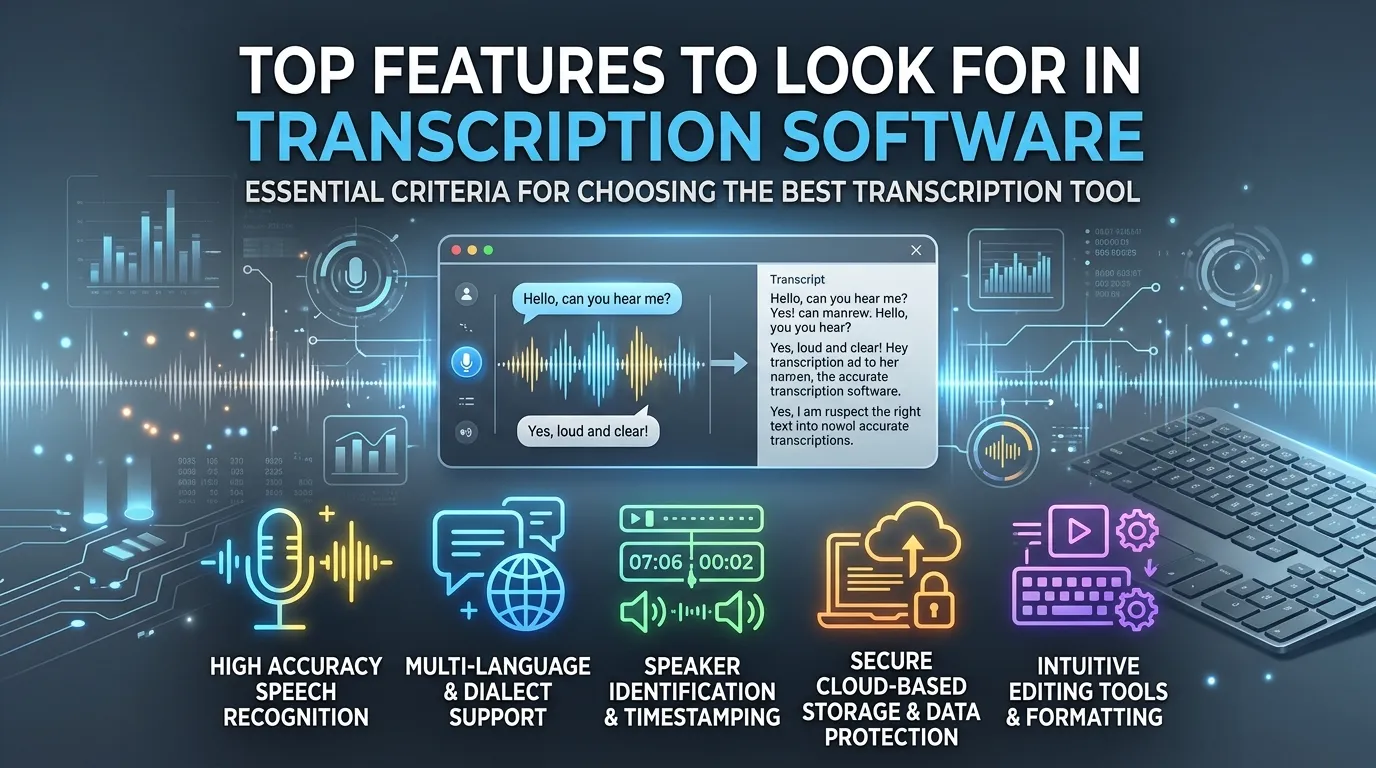
Before comparing specific tools, you need to understand the basic features that separate average platforms from excellent ones. Evaluating these core components will help you make a smart investment when choosing the best transcription software. In this section, we’ll delve deeper into several advanced and real-world features experienced users rely on, giving you a professional edge in your decision-making process.
Accuracy (AI vs. Human)
Accuracy is the most critical factor in any transcription service. AI speech to text has improved dramatically, often hitting 85% to 95% accuracy depending on audio quality and accents. However, human transcription services still offer the highest level of precision, typically guaranteeing 99% accuracy. You must decide if you need a perfect transcript immediately or if a rough AI draft will suffice.
For complex or specialized content such as legal depositions or technical interviews, human transcription ensures even industry jargon and complicated terminology are consistently captured. However, new generations of AI transcription leverage contextual learning, making them increasingly capable in real-world use cases. Also, some tools offer hybrid models, where AI drafts are reviewed by humans for even higher accuracy at a lower cost.
Speed and Efficiency
Artificial intelligence tools can transcribe a one-hour audio file in just a few minutes. Human services take much longer, usually requiring anywhere from 12 to 24 hours for standard delivery. If you are working on tight deadlines, automated AI transcription is the most logical choice.
Consider scalability: if you’re transcribing dozens or hundreds of files monthly, AI is the only realistic solution. Many tools feature batch processing, enabling the upload and simultaneous transcription of multiple files. Also, features such as keyword spotting, timestamp insertion, and instant search allow for easy navigation within large audio files—essential for research or legal work.
Some modern transcription software offers API access, letting businesses automate file uploads and downloads, run custom scripts for large projects, and streamline recurring workflows. For organizations needing high efficiency, these enterprise features can be game-changers.
Security and Privacy
If you handle confidential business meetings, medical records, or sensitive interviews, security is non-negotiable. Look for transcription platforms that offer end-to-end encryption, SOC 2 compliance, and strict data privacy policies to ensure your audio files remain protected.
Robust auditing, customizable access controls, user authentication, and data-retention policies allow businesses to stay compliant with legal or industry-specific guidelines such as HIPAA or GDPR. In certain sectors, the ability to keep data processing on-premise rather than on the cloud is also paramount for full compliance.
Integration Capabilities
Your transcription software should connect with the rest of your tech stack to eliminate friction in your workflows. Today’s best transcription software integrates directly with tools such as Zoom, Google Meet, Microsoft Teams, Dropbox, Google Drive, and Slack, as well as media production suites like Adobe Premiere Pro and Final Cut.
APIs or built-in connectors simplify the automation of file transfer, especially for large teams, streamlining cross-departmental operations. For example, media companies can automate pulling meeting recordings from cloud storage, transcribing them, and sending the text directly to a newsroom’s editorial workflow.
Supported Languages and Formats
As distributed teams and global operations grow, multilingual support is more important than ever. Top-tier transcription tools now support dozens of languages and recognize a wide range of dialects and regional accents, which is essential for international businesses, researchers, or content creators publishing for a global audience.
Beyond languages, top transcription platforms accept virtually all major audio and video file formats (MP3, WAV, MP4, AAC, MOV, and more), letting users avoid the hassle of reformatting original files—one of the most overlooked time-saving features.
User Interface and Ease of Use
A clunky interface will slow down your editing process. Look for software that provides an intuitive online editor, allowing you to click on text and hear the corresponding audio. Features like speaker identification, custom vocabulary dictionaries, and easy export options significantly improve the user experience. Many platforms let you customize hotkeys, adjust playback speed, use search/find tools, and automatically align text with audio for on-the-fly editing.
Mobile-friendly interfaces are increasingly common, allowing you to record, edit, and review transcripts directly from your phone or tablet. This is especially invaluable for field reporters, traveling researchers, or business professionals who need flexibility.
Top Transcription Software Reviewed
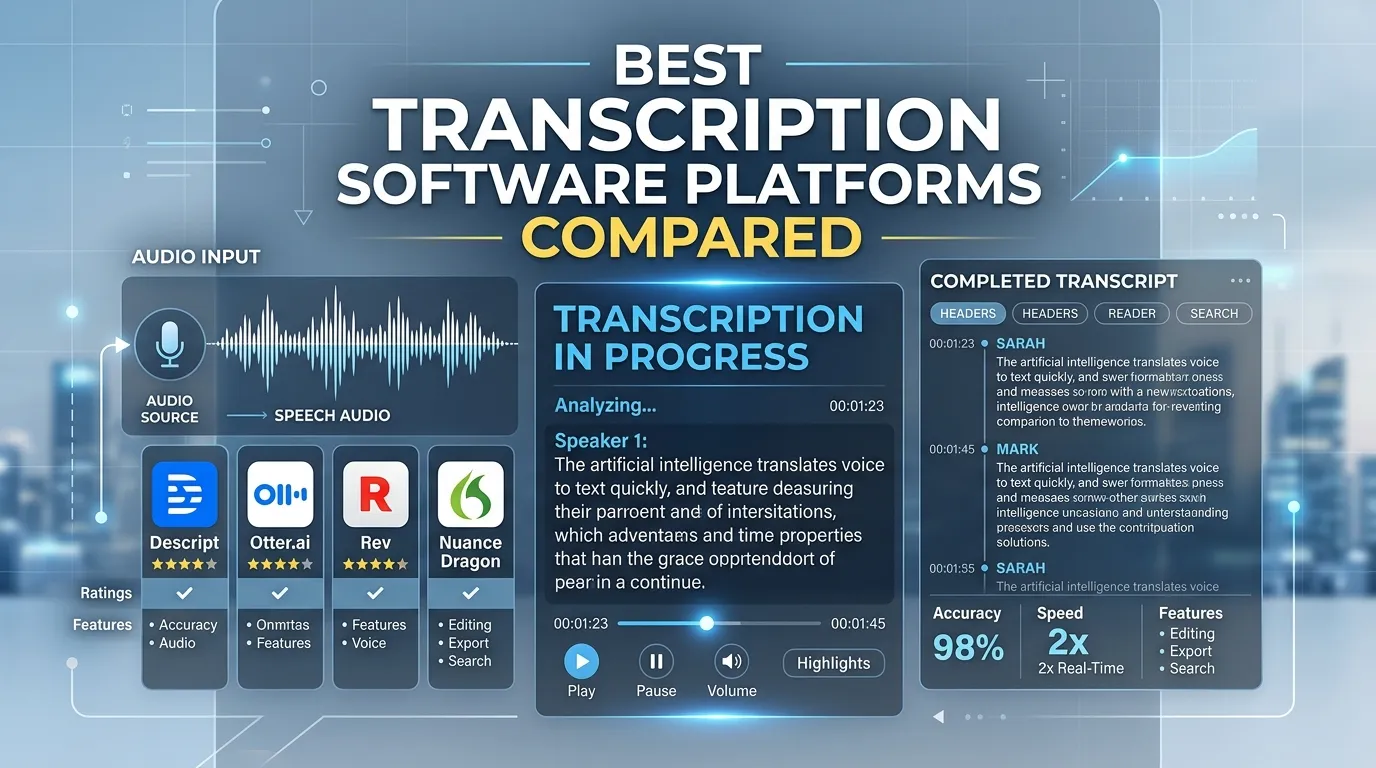
Here is a detailed look at the leading transcription software tools on the market, along with their key strengths and pricing models. To make comparison easier, think about your primary use case—whether that’s video production, team collaboration, meeting summaries, or legal documentation—as you read through the options below.
Software Comparison Table
|
Platform |
Best Feature |
Pricing Model |
Ideal User |
|---|---|---|---|
|
Happy Scribe |
Multilingual subtitle generation |
Subscription + Pay-as-you-go |
Video producers, global teams |
|
Trint |
Collaborative editing |
Premium subscription |
Newsrooms, media teams |
|
Otter.ai |
Live meeting summaries |
Freemium / Subscription |
Sales teams, project managers |
|
Rev |
99% accurate human transcription |
Pay-per-minute |
Researchers, legal professionals |
|
Descript |
Text-based video editing |
Freemium / Subscription |
Podcasters, content creators |
What About Dictation vs. Transcription?
If your workflow also includes a lot of dictation—speaking into your device to quickly input ideas, notes, or emails—there are additional tools specifically for text dictation that you might consider alongside pure transcription software.Consider how pairing dictation with your transcription pipeline can further boost productivity.
1. Happy Scribe
Overview
Happy Scribe provides a flexible approach by offering both automated AI transcription and professional human transcription services in a single platform. It is widely recognized as some of the best transcription software for its clean interface and robust subtitle generation tools.
Key Features
Happy Scribe supports over 120 languages for AI transcription. The platform includes an interactive editor that makes it incredibly easy to correct automated text and adjust subtitle timestamps. You can also create dedicated workspaces to share transcripts with team members. Subtitle generation, custom dictionaries, and direct integration with media editors make this platform especially attractive for content creators.
Pricing
The automated AI service starts around $17 per month for a basic package, while human-made transcripts and subtitles are billed at a flat rate per minute. The dual-mode system gives users flexibility to choose between cost-efficiency and 99% perfect results.
2. Trint
Overview
Built by journalists, Trint focuses heavily on turning audio and video into highly searchable, editable text. It operates much like a word processor, making it easy to highlight, comment, and collaborate on transcripts.
Key Features
Trint features a powerful collaborative editor where multiple team members can review a transcript simultaneously. It integrates well with video editing software like Adobe Premiere Pro and includes a mobile app for recording and transcribing audio on the go. Speaker identification, custom tagging, and version history enhance journalistic and production workflows.
Pricing
Trint is positioned as a premium tool, with starter plans beginning around $60 per user per month. Enterprise customers can access team management features and bulk transcription credits.
3. Otter.ai
Overview
Otter.ai functions as an AI Meeting Agent and Conversational Knowledge Engine. It is designed to attend your virtual meetings, record the audio, and provide real-time transcription and summaries.
Key Features
Otter records and transcribes meetings directly from your device or by joining calendar events via Zoom, Google Meet, or Microsoft Teams. It automatically generates clear summaries, identifies key decisions, and captures action items. Otter AI Chat lets you query previous meetings for quick data retrieval. Otter’s live speaker labeling, one-click sharing, and editing from any device make it a top pick for fast-paced business teams.
Pricing
Otter offers a Free forever plan for individuals. The Business plan starts at $19.99 per user per month.
4. Rev
Overview
Rev is a powerhouse in the transcription industry, famous for its exceptionally accurate human transcription services alongside a highly capable automated AI tool. Many consider Rev to be the best transcription software for flawless accuracy.
Key Features
Rev’s primary strength is its massive network of freelance transcribers, allowing them to deliver 99% accurate human transcripts incredibly fast. The platform also offers foreign language subtitles, live captions for Zoom, and an intuitive online editor. Human review ensures superior results for legal, medical, or research-grade documents.
Pricing
Automated AI transcription costs pennies per minute, while human transcription is priced uniformly at $1.50 per audio minute.
5. Descript
Overview
Descript completely reimagines the transcription process by tying it directly to audio and video editing. When you edit the text in the transcript, the software automatically edits the underlying media file.
Key Features
Descript offers robust multitrack audio editing, screen recording, and overdubbing capabilities. The Overdub feature allows you to type new words into the transcript, and the AI will generate audio of your voice speaking those words to fix recording mistakes smoothly. Timeline syncing between text and media makes Descript a must-have for podcasters, video editors, and marketers.
Pricing
Descript offers a free tier with basic features, while comprehensive creator plans start around $15 per month.
Exploring Additional Audio Transcription Tools
Beyond standard transcription, many users need tools specifically for dictating notes on the go. If your primary goal is speaking directly into your device to draft emails, documents, or personal notes, dictation software is incredibly useful.
- Dictation tools convert speech directly into your word processor, helping you draft drafts, notes, and ideas as you speak.
- They often feature voice commands for formatting, punctuation, and even app control, allowing hands-free operation—handy in fast-paced meetings or on-the-go contexts.
- Many operating systems have built-in dictation options (like Windows Speech Recognition or Apple Dictation), but advanced dictation tools add layers of accuracy, noise filtering, and cloud-based enhancements.
Explore more of the best text dictation software available right now. Integrating a reliable audio transcription app alongside dictation tools ensures you capture every brilliant idea accurately.
Expanded Use Cases for Transcription Software
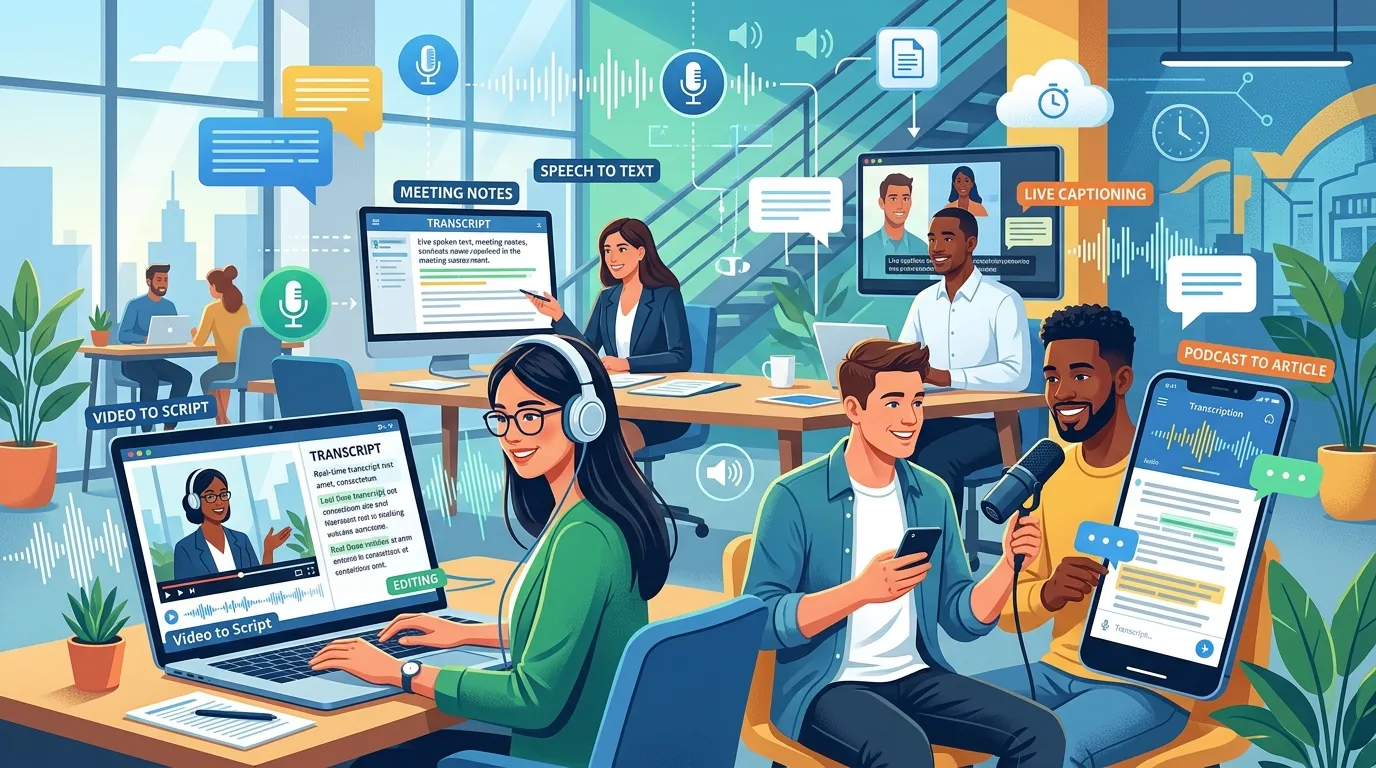
Different professions require different transcription capabilities. Here is how various industries leverage the best transcription software to improve efficiency across a wider range of applications.
Journalists and Researchers
Journalists conduct numerous interviews to gather information for stories, while researchers manage focus groups or field notes. For these professionals, transcription software is invaluable—not only for turning speech into searchable text, but also for timestamping important moments, tagging speakers, and sharing annotated transcripts with collaborators. This enables more robust fact-checking, quote validation, and data-driven analysis. Journalists covering fast-breaking news can upload interviews and receive instant AI drafts, then review and correct them before filing their stories.
Content Creators (Podcasters, YouTubers)
Search engines cannot index audio or video files directly. Podcasters and YouTubers use transcription software to convert their content into written blog posts, captions, and show notes. This dramatically improves their search engine optimization, making their work accessible to wider audiences, including the deaf and hard of hearing. Timed transcripts are also crucial for creating accurate and engaging subtitles, improving user engagement, and extending the reach of video content to international viewers through automatic translation.
Students and Academics
College students and researchers routinely manage heavy information loads—recorded lectures, field interviews, group study sessions, and academic conferences. The best transcription software lets students auto-record and transcribe lectures, allowing for quick review and more efficient studying. Students can later search for keywords or specific topics, helping them prepare for exams or write essays more efficiently. Academics using qualitative, interview-based research can quickly analyze large data sets, code transcripts, and share findings with research collaborators.
Businesses (Meetings, Interviews, Market Research)
Corporate teams utilize transcription tools for recording and transcribing strategy meetings, project updates, HR interviews, and client calls. Automated meeting notes help track key decisions, assign action items, and ensure everyone is on the same page—even if they missed the live meeting. Transcripts allow for easy reference during follow-up calls, automating the production of meeting minutes and improving organizational documentation. Sales teams also use transcription software to analyze customer calls, improving pitches and uncovering common objections or product questions.
Medical and Legal Professionals
Doctors and lawyers handle highly regulated, sensitive information requiring both utmost accuracy and strict confidentiality. In medical practices, transcription software processes patient consultations and updates records efficiently, freeing healthcare staff for hands-on patient care. In legal contexts, software transcribes depositions, hearings, and discovery interviews, supporting evidence organization, billing, and compliance. Features like speaker identification, legal lexicons, and certified secure storage make select tools indispensable in regulated industries.
Accessibility and Inclusivity
Modern transcription software dramatically improves accessibility by providing accurate captions, transcripts, and alternative formats for those who are deaf or hard of hearing. Public-facing organizations—podcasters, educators, local governments, businesses—use these tools to meet accessibility standards, foster inclusivity, and reach a broader audience.
Further Benefits and Considerations
Why Speed Matters for Customer Service
Fast turnaround is not just convenient—it can directly affect business outcomes. For customer service teams handling technical support calls or complaints, rapid transcription allows agents to quickly review call details, summarize issues, and escalate complex problems without sifting through entire audio files. This results in faster resolutions and better customer experiences.
Custom Vocabulary Support
Many modern platforms allow users to add domain-specific terms—such as product names, medical terminology, or regional slang—to boost transcription accuracy. This is especially valuable for technical businesses, scientific research, or company-internal communications, ensuring every transcript reflects your specific jargon.
Exporting and File Management Options
Top tools offer flexibility in output formats (DOCX, TXT, PDF, SRT for subtitles, VTT for web captioning, and JSON for developers). This saves time and ensures the transcripts slot neatly into existing publishing pipelines, document management systems, or content archives.
Future Trends in Transcription Technology
The transcription industry is evolving rapidly, driven heavily by advancements in software engineering. Understanding these trends will help you select the best transcription software that will grow with your business.
Advancements in AI and Machine Learning
Transcription algorithms are becoming smarter every day. Future AI models will be much better at understanding deep context, recognizing highly technical industry jargon, and distinguishing between multiple speakers talking over one another in a crowded room. We’re also seeing the rise of emotional intelligence features—tools that label not just the words, but the mood or intent behind them, helping businesses gauge customer sentiment or engagement automatically.
Real-Time Transcription
While real-time transcription currently exists, its accuracy will soon rival that of human transcriptionists. This will completely eliminate the delay between when a meeting ends and when a polished, flawless transcript is ready to share with stakeholders. Live captioning for webinars, courtrooms, and multilingual translation feeds is already in beta on many platforms.
The Rise of Hybrid and Mobile Transcription
Hybrid systems that combine rapid AI with robust human review will continue to dominate, giving users a spectrum between fast, inexpensive drafts and high-quality, human-edited transcripts. Mobile-first platforms will become standard, allowing for voice notes, audio uploads, collaboration, and editing from any device, anywhere in the world.
Enhanced Workflow Automations
The future also involves deeper workflow automation, integrating transcription fully into project management, CRM, and video publishing platforms. For example, a video uploaded to a cloud folder could trigger instant transcription, caption generation, and delivery to a content management system with zero manual steps.
Frequently Asked Questions
What makes the best transcription software?
The best transcription software combines high accuracy, fast turnaround times, and ease of use. It should fit seamlessly into your workflow with helpful integrations, support the audio formats you use, and offer a pricing model that matches your volume.
How accurate is AI speech to text software?
AI speech to text software typically ranges from 85% to 95% accuracy. Quality heavily depends on clear audio, minimal background noise, and the speaker’s accent. For 99% accuracy, you usually need human transcription services.
Can I use transcription tools to transcribe a live meeting?
Yes, many top transcription tools, like Otter.ai, connect directly to Zoom, Google Meet, or Microsoft Teams. They generate live transcripts, highlight key takeaways, and assign action items while the meeting is happening.
Is an audio transcription app safe for confidential data?
Reputable audio transcription apps prioritize security by offering end-to-end encryption and SOC 2 compliance. Always review a software’s privacy policy before uploading sensitive medical, legal, or business audio files to ensure your data stays private.
Can transcription software help me find a job?
Yes, transcribing mock interviews helps you analyze your speaking habits and improve your answers over time. You can also learn how to use AI for your job search to further refine your resume and interview strategies.
How much does the best transcription software cost?
Pricing varies widely based on whether you use AI or human services. AI tools often charge a monthly subscription fee of $15 to $30, while human transcription is generally billed per audio minute, usually ranging from $1.00 to $2.00.
Do transcription tools support multiple languages?
Most advanced AI transcription platforms support dozens of languages and dialects. Tools like Happy Scribe excel at recognizing multiple languages and can easily generate translated subtitles for your video content.
What is the difference between dictation and transcription?
Dictation involves speaking into a device that types your words live into a document. Transcription involves taking a pre-recorded audio or video file and converting that entire file into text after the recording is finished.
Can I edit video using the best transcription software?
Yes, innovative tools like Descript allow you to edit your audio and video files by editing the generated text. If you delete a sentence in the text transcript, the software automatically cuts that segment from the video file.
Do these tools identify different speakers automatically?
Yes, most modern transcription tools feature automatic speaker diarization. This means the software recognizes when a new person starts talking and separates the text into distinct paragraphs labeled “Speaker 1,” “Speaker 2,” and so on.
Conclusion
Transcription software is an incredibly powerful asset for anyone who regularly works with audio and video content. By automating the tedious process of manual typing, you free up valuable time to focus on editing content, closing sales, serving customers, or analyzing research data. With keyword search, template-based exports, and integration across business apps, the right transcription software will enable you to work smarter, collaborate faster, and reach wider audiences—whether you’re a journalist, podcaster, business leader, or student. To take the next step, review your current audio volume and sign up for a free trial with one of the platforms mentioned above to find the best transcription software for your workflow.
